First automation3 min read
An electric inserter feeding the machines that generate its own electricity can become part of a restart problem. A burner inserter offers a different dependency. This guide uses a small boiler fuel handoff to show why the arm’s energy source matters as much as its direction.
Read the guide ↗
First automation3 min read
A steam engine can show low production because the factory currently needs little electricity. That is different from a fuel or steam shortage. Build a small one-boiler, two-engine reference and use the machine information to separate possible output from output being requested now.
Read the guide ↗
First automation3 min read
A Factorio belt has two lanes, and the lane on which an item arrives can matter at the next connection. This small routing exercise uses two harmless item streams to make lane behavior visible before the belt disappears into a busy factory.
Read the guide ↗
Production diagnosis3 min read
A machine can stand near a power pole and still lack the connection you expect. Diagnose the path from consumer to pole to the generating network. This exercise separates a pole’s supply area from the wires that link poles together.
Read the guide ↗
Production diagnosis3 min read
A powered lab needs the science packs required by the selected research. A large stock of one color cannot replace another missing color. Use one lab and one selected technology to trace what the research actually consumes before duplicating more laboratories.
Read the guide ↗
First automation3 min read
A technology can be unavailable because its prerequisite is missing, even when you already have some of the science packs shown nearby. Read the technology tree as a dependency map and a consumption requirement. The two questions lead to different actions in the factory.
Read the guide ↗
First automation3 min read
An underground pipe connection is easy to overlook because most of its route is hidden. Use the endpoint indicators to verify orientation and connection before diagnosing a missing fluid farther downstream. The exercise keeps the crossing short enough to inspect on one screen.
Read the guide ↗
Production diagnosis3 min read
A fluid-using recipe adds a connection requirement that a solid-item assembler layout may not satisfy. Select the intended recipe, inspect the machine’s fluid connection and route the correct fluid there. Begin with one assembling machine so the geometry remains easy to understand.
Read the guide ↗
Production diagnosis3 min read
An electric mining drill occupies one footprint but can reach resources in a larger mining area. Use the placement overlay and resource information to understand why one drill works while another nearby drill stops. The exercise concerns coverage and depletion rather than a promised mining rate.
Read the guide ↗
First automation3 min read
Steel adds another smelting stage to an early Factorio factory. The input is iron plate, not raw iron ore. Build one clearly separated practice handoff so you can see which product belongs in each stage before connecting a larger steel supply.
Read the guide ↗
Production diagnosis3 min read
A furnace may stop because its product cannot leave, even while ore and fuel are available. Inspect the output slot and the receiving path before assuming the mine is too small. This guide uses a single stone-furnace handoff to isolate that condition.
Read the guide ↗
Rail and routing3 min read
A rail signal reports a rail block rather than a personal instruction to one nearby train. Begin with a small practice track and the block overlay. Understanding the boundary makes signal placement more useful than copying a pattern without knowing which rail sections it separates.
Read the guide ↗
Rail and routing3 min read
A train schedule answers where to go and when to leave. Those are different questions. Build a small two-stop practice route with unique names, then inspect the wait conditions so a train does not appear stuck simply because it is waiting for the instruction you gave it.
Read the guide ↗
Rail and routing3 min read
A fueled train still needs a locomotive arrangement that supports the intended automatic route. Use a small practice train to distinguish energy, orientation and rail access. The goal is to understand why adding fuel alone may not make an automatic return trip possible.
Read the guide ↗
Rail and routing3 min read
A splitter can express two different routing intentions: prefer one output or select an item for a particular output. Start with a short visible practice belt so you can see which setting changes the destination and which items are affected by that setting.
Read the guide ↗
Robots and circuits3 min read
A circuit can begin with one visible question: does this chest contain fewer than a chosen number of plates? Connect a chest to a lamp and use the item signal directly. The small build teaches signal identity, comparison and observation before introducing combinators.
Read the guide ↗
Robots and circuits3 min read
Robot logistics uses chest roles rather than treating every container as interchangeable. Compare a chest that offers newly produced items with one that can receive general storage deliveries. This guide focuses on passive provider and storage roles inside one connected logistics network.
Read the guide ↗
Robots and circuits3 min read
A roboport provides network areas and charging access, but those functions answer different questions. A build can lie in coverage while robots queue to charge. Inspect the area overlays and the robots' current behavior before assuming that another distant roboport automatically solves the problem.
Read the guide ↗
Robots and circuits3 min read
A ghost shows an intended entity location, but the machine is not yet built. Diagnose a waiting ghost by separating the plan, the construction worker and the required item. This makes a blueprint easier to complete without assuming that placing its outline creates its materials.
Read the guide ↗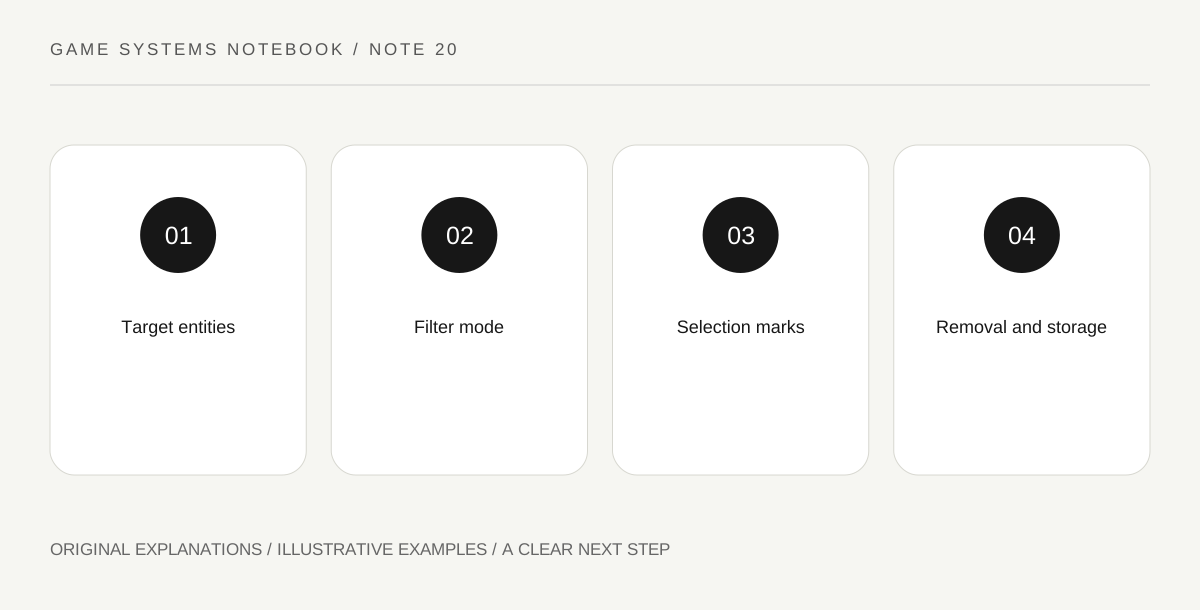
Robots and circuits3 min read
A deconstruction selection can cover many kinds of entities at once. A filtered planner narrows what the selection marks for removal. Practise on a small separate area before applying it near production, and inspect the preview so the chosen filter matches the intended cleanup.
Read the guide ↗