Factorio: distinguish a splitter filter from an output priority
A splitter can express two different routing intentions: prefer one output or select an item for a particular output. Start with a short visible practice belt so you can see which setting changes the destination and which items are affected by that setting.
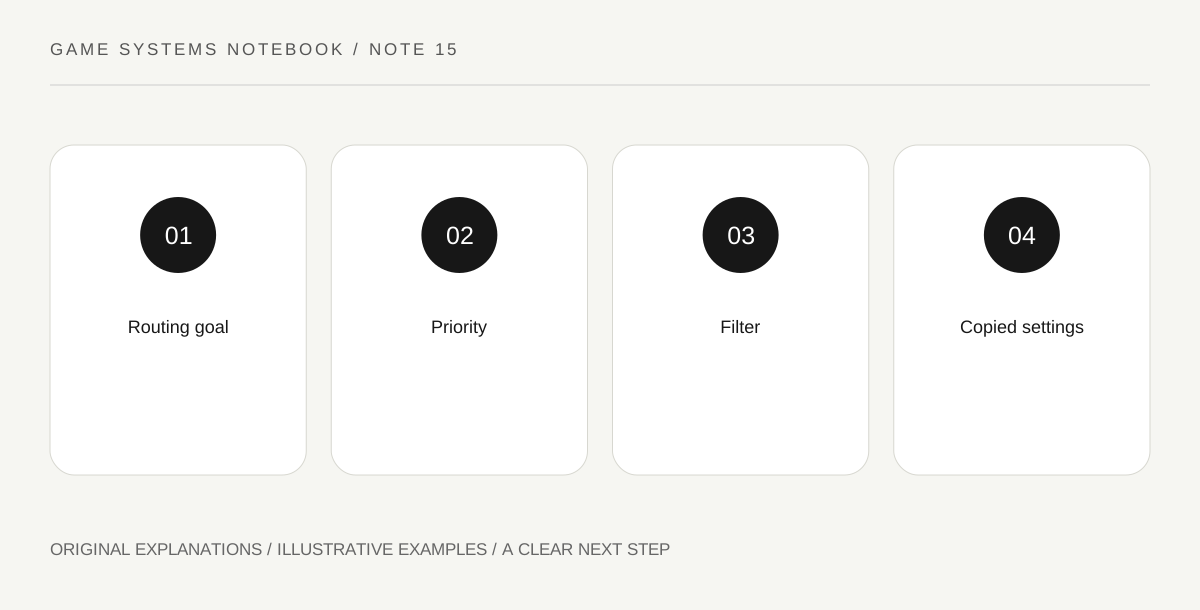
Original explanatory diagram. Read the full method and limitations below.
State the routing intention in words
Write either send material toward this branch first or separate this item from the mixed stream. These are different goals. An output priority concerns the preferred destination when the relevant paths can receive items. A filter concerns item selection. If you cannot state which goal you want, the settings panel may become a collection of guesses. Begin with two short output belts ending in clear receiving areas.
Try priority with one item stream
Feed one familiar material into the practice splitter and configure the intended output priority. Observe which branch receives it under the available downstream space. Then change the receiving situation in your own save and inspect the behavior again. Do not mistake preference for a promise that a branch can accept unlimited material. A full or disconnected receiving path remains a physical constraint, regardless of the priority you selected.
Try a filter with a visible mixed input
Use two easily distinguished items and select the item that should be filtered toward the chosen output according to the interface. Watch each item type through the short splitter arrangement. Keep the output labels tied to the splitter’s actual facing direction, because screen-left can be misleading after rotation. The experiment should reveal which material follows the filtered route and what happens to the other material under the chosen setup.
Remove unintended settings before reuse
A copied splitter can carry a priority or filter that made sense in another location. Inspect its panel before using it as an ordinary junction. If a branch receives unexpected items or seems starved, compare the configured intention with the actual input stream. Record filter item, priority choice and facing direction separately. This gives you a reconstructable routing decision instead of a screenshot whose hidden settings are lost.
Illustrative worked example
Illustrative exercise: A player first sends only iron plates through a priority splitter toward a practice supply branch. They then create a separate mixed iron-and-copper input and use a filter to route one material to a chosen output. Their notebook distinguishes preferred destination from selected material. The exercise does not claim a measured rate; it asks the player to inspect the current settings and visible item paths in their own game.
Questions that come up
Does output priority create a material filter?
No. A preferred branch and an item selection are different instructions. Use the setting that matches the routing goal and inspect the resulting paths.
Why can a copied splitter behave unexpectedly?
It may retain settings appropriate to its original job. Check filters and priorities rather than assuming every splitter is an unconfigured junction.
References and scope
These sources support the factual background. Examples and exercises are original illustrative teaching material. References do not imply endorsement.
- Official Factorio Wiki: Splitter — Input/output priorities and item filtering.
- Official Factorio Wiki: Belt transport system — Two belt lanes, side loading and transport geometry.