Factorio: filter a deconstruction planner before selecting a busy area
A deconstruction selection can cover many kinds of entities at once. A filtered planner narrows what the selection marks for removal. Practise on a small separate area before applying it near production, and inspect the preview so the chosen filter matches the intended cleanup.
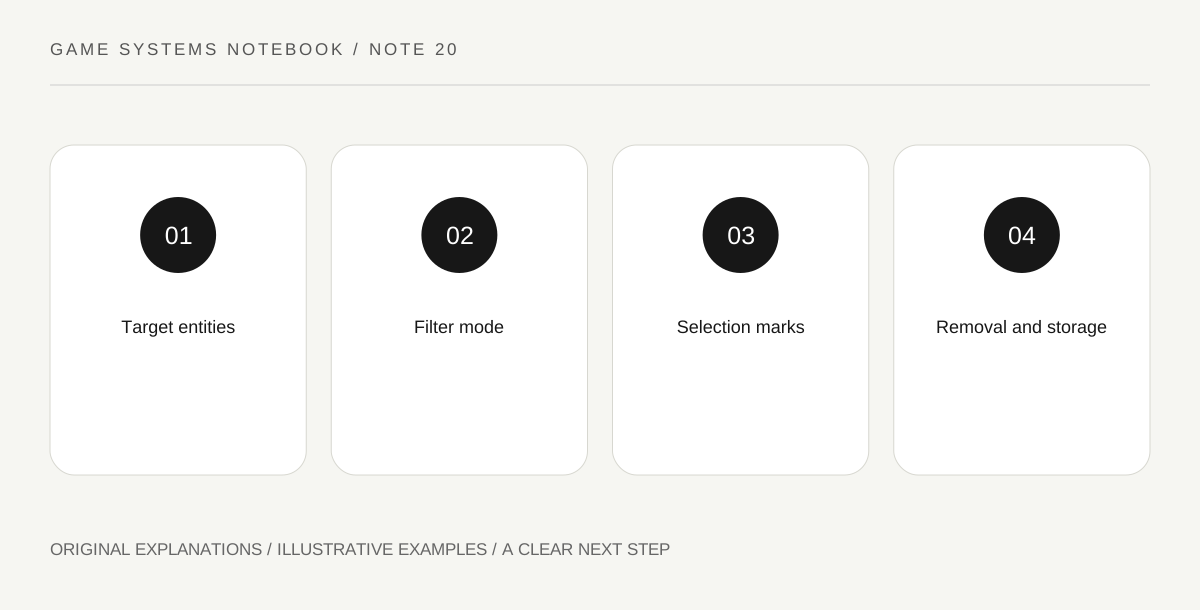
Original explanatory diagram. Read the full method and limitations below.
State the removal target narrowly
Choose one learning task, such as marking only a particular belt type in a practice layout. Write what should remain as well as what should be removed. A broad instruction like clean this area can hide several incompatible intentions. The planner’s filter should express an entity selection, not a vague visual preference. Keep a save you can return to and use a small practice area while learning the interaction.
Configure the planner’s entity filter
Open the planner settings and choose the intended included or excluded entity set according to the interface in your installed version. Read which mode is active. Selecting a belt icon while using an exclusion mode asks a very different question from including only that belt. The useful check is a plain-language restatement: this planner marks the chosen belt and leaves the other practice machines alone. If the restatement is unclear, resolve the filter before dragging across a large region.
Inspect the selection before accepting the consequence
Use the visible marking feedback on the practice area and compare it with your target list. If unintended entities are marked, use the appropriate cancellation action and adjust the planner. Control bindings can vary, so consult your configuration rather than relying on a key remembered from another platform. A filtered selection remains a selection over actual entities; the filter does not understand which machines you personally consider important unless those distinctions are represented in its settings.
Account for removal work and returned items
Construction robots need the appropriate task coverage and a place for removed items to go. Marking is not the same as completed removal. Inspect worker availability, storage capacity and any remaining task feedback. Once the practice result matches your intent, apply the method to a small relevant section of the real build. Record the filter mode and entity set so the planner’s hidden settings remain understandable when reused later.
Illustrative worked example
Illustrative practice area: Three belt pieces sit beside an inserter and an assembler. The learner configures a planner intended to mark only the belt pieces, inspects the resulting marks and cancels if the other entities are included. They then check whether the construction network has suitable return storage. The scenario provides a reversible learning task, not a claim that the player’s active factory has been inspected or that any removal selection is safe to apply without review.
Questions that come up
Does marking instantly remove every entity?
Not necessarily. Marking creates removal tasks for the relevant construction system. Completion depends on workers, coverage, storage and other applicable conditions.
Why keep a note about the filter?
The planner can be reused with its settings. A label or screenshot of the area may not reveal whether its mode includes or excludes the selected entity types.
References and scope
These sources support the factual background. Examples and exercises are original illustrative teaching material. References do not imply endorsement.
- Official Factorio Wiki: Deconstruction planner — Filtered removal marking and cancellation.
- Official Factorio Wiki: Logistic network — Provider, storage and requester roles.