Factorio: separate a train’s destination from its departure condition
A train schedule answers where to go and when to leave. Those are different questions. Build a small two-stop practice route with unique names, then inspect the wait conditions so a train does not appear stuck simply because it is waiting for the instruction you gave it.
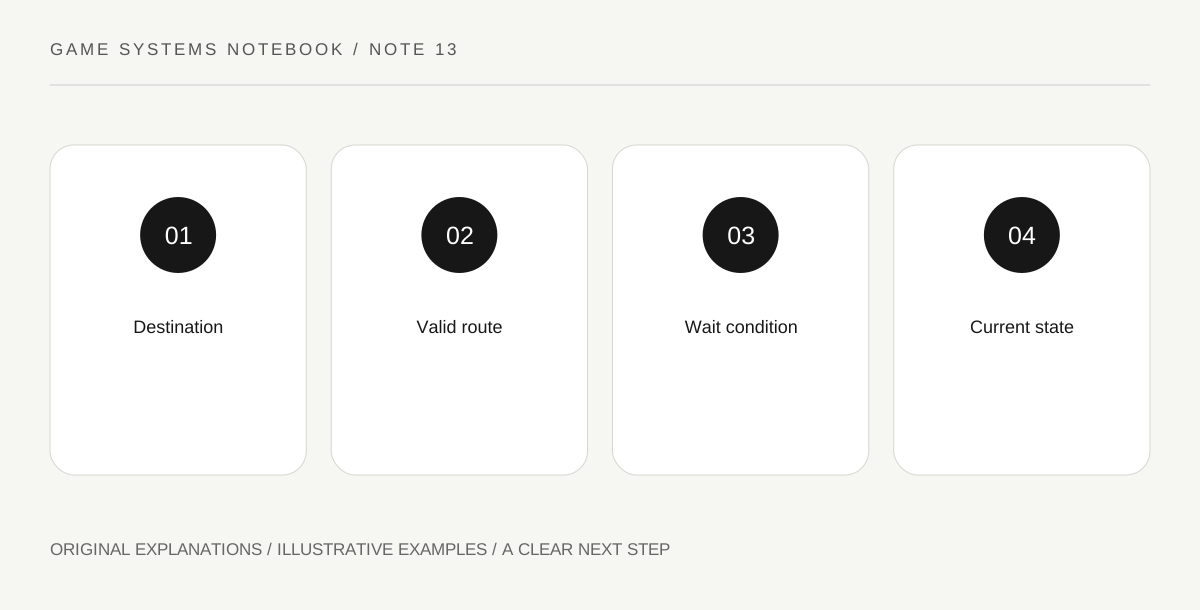
Original explanatory diagram. Read the full method and limitations below.
Give each practice stop a unique name
Use names that identify the two ends clearly, such as Practice Load and Practice Unload. Unique names avoid introducing shared-name destination selection while you are still learning a schedule. Confirm the stop’s placement and approach direction using the in-game indicators. A name in a schedule does not guarantee that the train has a valid route to the correctly placed stop. Keep the rail path and station identity as separate checks.
Add the destinations in the intended order
Open the train schedule and include both practice stops. Inspect the order rather than assuming the next stop follows the physical direction you expect. The train needs an appropriate powered locomotive arrangement, fuel and a valid route. Those are route prerequisites, while the schedule lists the intended destinations. If the game reports a route problem, examine that status before changing a waiting rule that the train has not yet reached.
Choose a wait condition you can observe
A full-cargo condition can keep a train at a loading station until the relevant condition is met. If the loading source is exhausted, the train may wait indefinitely under that instruction. A time condition produces a different behavior. Read the actual available conditions in your version and begin with one clearly understood choice. Do not combine several unfamiliar conditions and then guess which one controls departure when the train remains at the stop.
Inspect the current schedule state
When the train stops, read whether it is traveling, waiting at a destination, unable to find a path or facing another state. A departure problem is not automatically a rail problem. Compare the wagon contents with the wait condition and inspect whether loading is still possible. Record destination, condition and current state in separate fields. This makes the next adjustment specific: change supply, change the intended wait rule or repair the route as appropriate.
Illustrative worked example
Illustrative schedule: A train reaches Practice Load and waits for full cargo, but the source chest contains only a small batch. The player recognizes that the train reached its destination successfully and is obeying an unmet departure condition. They decide whether the intended task is full-load transport or a timed small-batch exercise, then choose a condition that matches that goal. The example assumes no particular tested loading speed or wagon configuration.
Questions that come up
Does arriving at a stop mean the schedule is finished?
No. The train can remain there until its configured departure condition is satisfied. Arrival and departure are separate parts of the schedule.
Should I add a timer to every station?
Not automatically. A timer is one possible instruction. Choose conditions that match the transport task and understand how any combined conditions interact.
References and scope
These sources support the factual background. Examples and exercises are original illustrative teaching material. References do not imply endorsement.
- Official Factorio Wiki: Train stop — Named destinations, scheduling and stop settings.
- Official Factorio Wiki: Locomotive — Fuel and directional train movement.